
Coding MicroPython with Brian
Welcome to Brian's computer science and MicroPython coding page!
This page provides information for Brian's 2026-27 live classes.
Looking for Brian's previous MicroPython classes from the 2024-25? Please scroll to the bottom of the page to see the archive, or click here.
What is MicroPython? It is the full Python 3 programming language designed to run on tiny computers.
[am4show have='p8;p9;p11;p38;p92;p162;' guest_error='Guest error message' user_error='User error message' ]
Coding MicroPython Class Description
During these lessons, you'll learn how to write computer programs to control a device called the Raspberry Pi Pico RP2040.
By writing Python computer code, called scripts, you'll learn how to help digital computers interact with our analog world. You'll use electronic devices to read temperature, light levels, distance, and more. You'll also learn how to control electronic devices such as LEDs (Light Emitting Diodes), motors, and relays.
Throughout the course, you'll also learn general programming concepts, such as how to work with binary numbers and how to work with programming variables.
By using coding examples and the creation of your own programs, you'll learn about functions, loops, conditionals, libraries and Boolean logic.
You'll also increase your problem solving skills as you learn the history of debugging and how to catch common coding mistakes.
Step 1. Subscribe to Brian's class update email list through Substack.
Brian uses this email list to send updates throughout the year.
During the summer he provides information on kits.
During the school year, Brian sends information on class resources and upcoming projects.
Learn to touch type with this free service.
Note: Supercharged Science is not affiliated with TypingClub.
Step 2. Watch Understanding Brian's Classes and Supply Requirements and Order Your Supplies
and have them in time for Brian’s “Getting Organized” class is September 7, 2026.
We highly recommend using Harbor Freight’s Storehouse 10 Utility Boxes to organize your parts. You’ll need two boxes for the electronics supplies and one box for the programming hardware supplies (three boxes total if you are doing both of Brian's courses this year).
You can add these boxes to your order from Brian, and he will include “ready-to-cut” label cards to help you organize your parts. Alternatively, you can order the boxes directly from Harbor Freight and then purchase the cards from Brian, or print your own.
Note regarding parts boxes:
As of August 2025 Harbor Freight has discontinued the 10 Tray Utility Boxes previously used with this class.
We highly recommend that you purchase two Harbor Freight 4 Drawer Toolbox Organizers (Item#68238). Two boxes provide enough capacity for both the electronics and coding supplies.
These parts boxes can be purchased directly from Harbor Freight or they can be added to your FutureVision Research kit order.
Click here to download a combined electronics and coding parts list that provides the locations in both the legacy 10 tray boxes and the current 4 tray boxes.
Below are the ready-to-cut labels. Be sure to download the proper labels for your boxes.
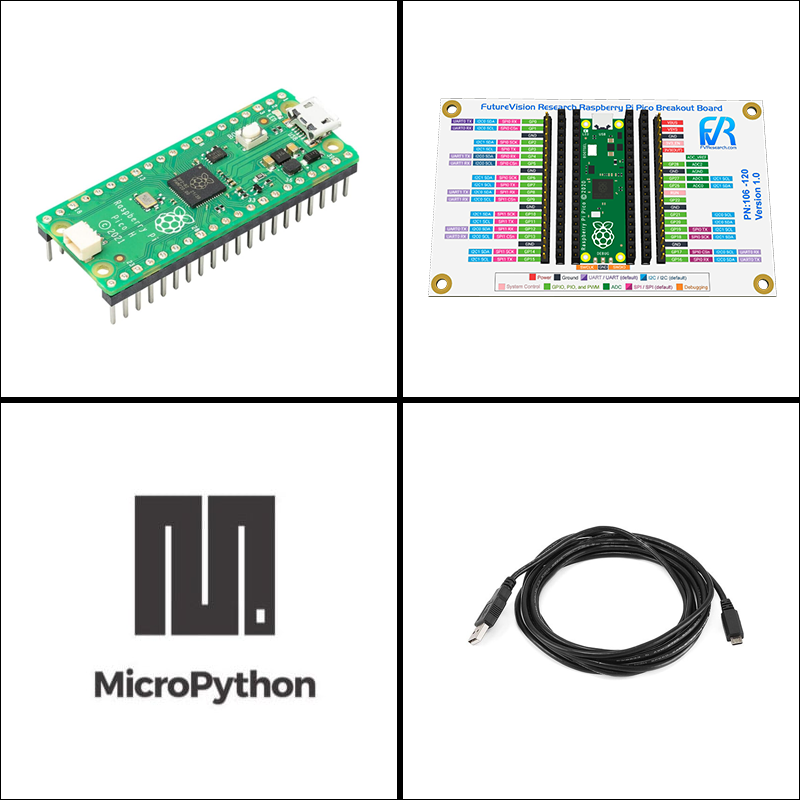
The Raspberry Pi Pico
In addition to the electronic parts, this course requires a Raspberry Pi Pico (RP2040). When you order one from FutureVision Research, it will come with a specially labeled breakout board, the pins already soldered, and MicroPython installed. The required USB micro cable is also included.
You can add a Raspberry Pi Pico to your FutureVision Research Servo, Motors, and More kit, or purchase the Pico and breakout board separately. Here is the link: fvresearch.com/product/102-pico2040-breakout
You can purchase a Raspberry Pi Pico with the pins installed (known as the "H" model) from Amazon, but you'll need to install MicroPython yourself: https://amzn.to/4fUXtF4. If you purchase a Raspberry Pi Pico elsewhere, you will need to configure it to run MicroPython.

The Raspberry Pi Pico RP2040 must be configured to run MicroPython.
If you buy your Raspberry Pi Pico RP2040 from Brian, he will configure it for you.
If you buy your Raspberry Pi Pico RP2040 else ware, or if you see a drive letter when you connect the Pico to your computer, please follow the instructions on this page to configure MicroPython:
https://www.raspberrypi.com/documentation/microcontrollers/micropython.html
Step 3. Install and configure the Thonny editor
You will need a Windows, Mac, or Linux computer to communicate with your Raspberry Pi Pico RP2040 and the Thonny program allows you to do this.
Please watch this video and install Thonny before joining the "Getting Organized" class.
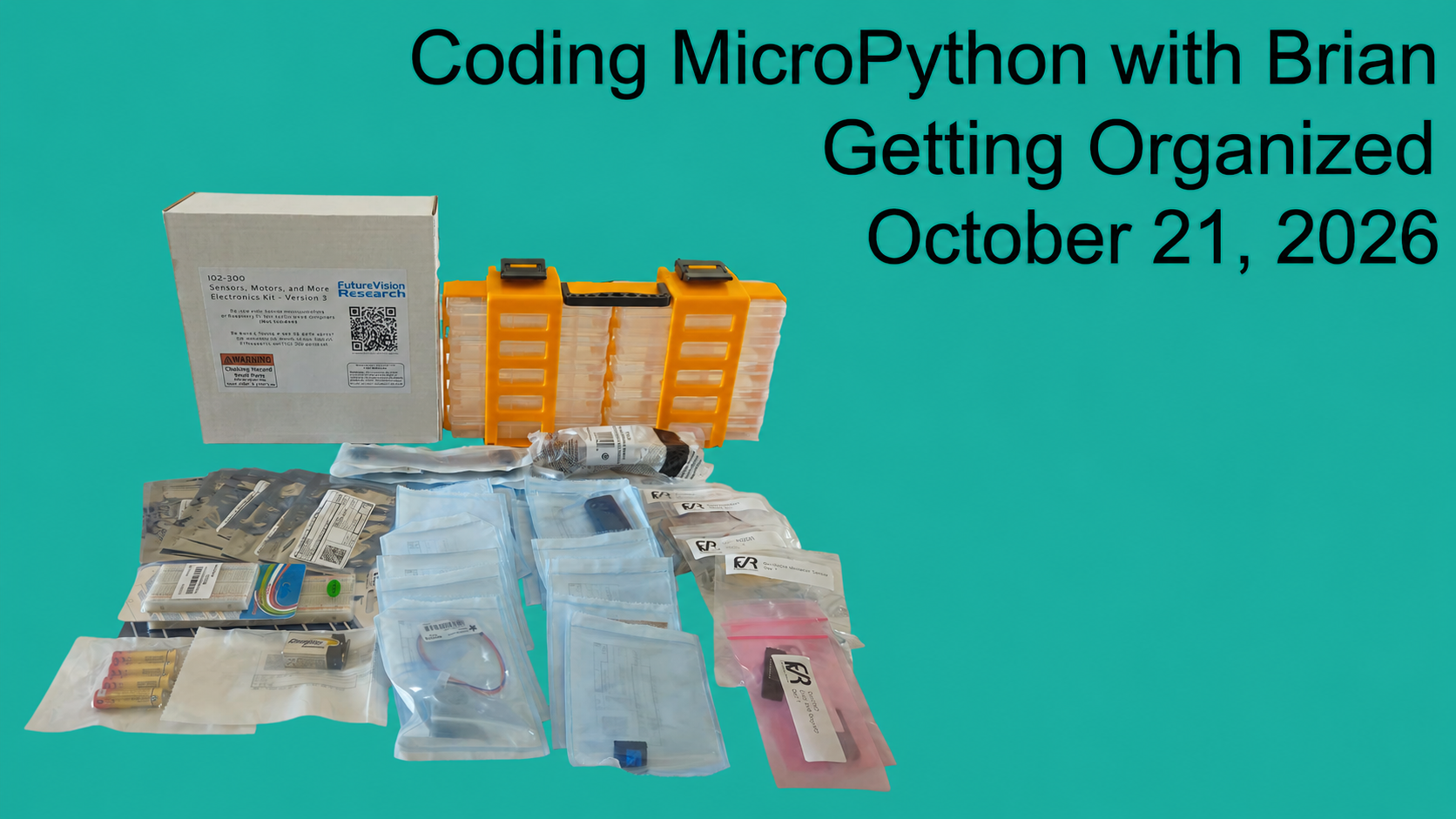
Step 4. Join "Getting Organized and Preparing for Coding MicroPython with Brian."
Step 5. Join Brian's Classes
All classes are on Zoom, and all recordings are posted to this page (below).
Each class covers different content, and the Wednesday/Thursday two-day format means that Part 1 is on Wednesday and Part 2 is on Thursday. Please make sure you attend all the sessions if you wish to make all of the projects.
Coding MicroPython with Brian classes are Wednesdays and Thursdays at 8:00AM (Pacific) every other week. Recordings for each class will be posted with 3 hours after class concludes.
Class discussions are Thursdays at 9:00AM (Pacific) after regular class and are not recorded.
Class dates in 2026:
(January-May 2027 dates will be posted by November)
Getting Organized:
October 21, 2026
Regular Live Classes:
November 4,5
November 18, 19
December 2, 3
December 16, 17
Scripts for this class are available here: https://github.com/FutureVision-Research/coding_micropython
2026 - 27 Resources and Videos
Recordings of live classes will be posted here.
Book Recommendations from Brian
Learning Python, 6th Edition
by Mark Lutz
Provides a comprehensive, hands-on introduction to Python 3 and includes exercises and quizzes.
Programming the Pico: Learn Coding and Electronics with the Raspberry Pi Pico
by Dr. Simon Monk
This book first focuses on Python programming and then moves into electronics using the Pico.
Magazine Recommendations from Brian
Raspberry Pi Magazine (AKA MagPi)
Monthly magazine that offers tutorials, project ideas, news, and reviews focused on Raspberry Pi computers and electronics.
All issues are available as free downloads.
Hackspace Magazine
Originally produced by the Raspberry Pi Foundation, Hackspace magazine provides tutorials on electronics and various microcontrollers.
Hackspace was merged into Raspberry Pi Magazine in 2024. However, 81 issues were produced and are still available for free.
Recordings of Additional Lessons from Brian
[/am4show]